
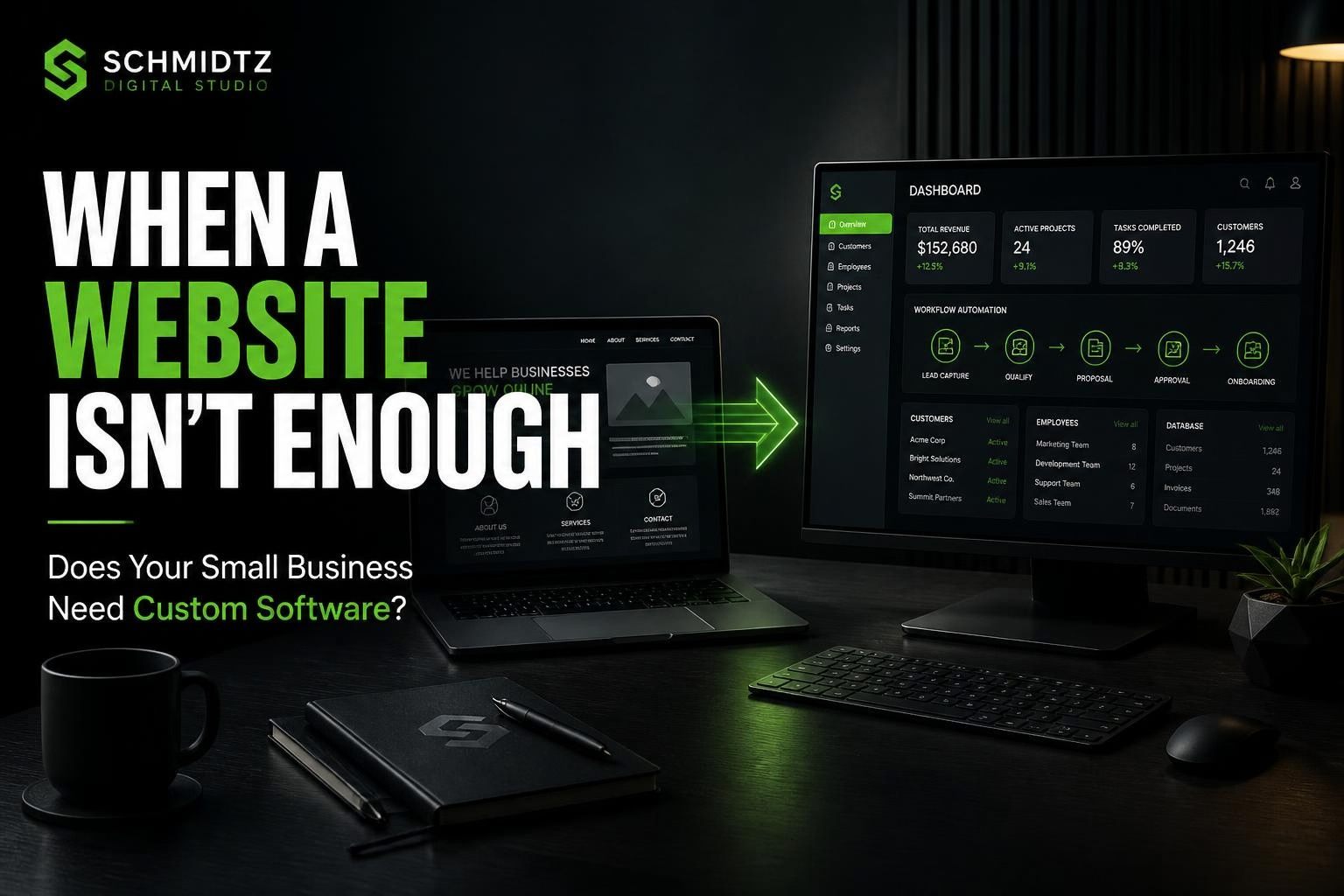
A basic website is enough for many businesses. If customers mainly need to learn about the company, view services, see examples, and make contact, there is no reason to build software just for the sake of building software.
But some businesses reach a point where the website is no longer just marketing. The business needs technology to organize work, reduce manual steps, or support a process that off-the-shelf tools do not handle well.
A website tells people about the business. Software helps run part of it.
The line is not always perfect, but this distinction is useful. A marketing website focuses on visitors and leads. A web application or custom business tool often includes workflows, data, rules, user accounts, or internal operations.
Sign 1: The same information is being entered in multiple places
If a customer request is copied from a form into a spreadsheet, then into a calendar, then into an invoice system, the process has friction. A custom workflow may be able to collect the information once and reuse it where appropriate.
Sign 2: Important work is being tracked through text messages and paper notes
There is nothing wrong with simple tools. The problem starts when jobs, assignments, customer history, or deadlines are hard to find because information is scattered.
A small internal dashboard can sometimes provide more value than a large public website redesign.
Sign 3: Customers need ongoing access to information
If customers frequently ask for job status, receipts, documents, appointment details, or previous service history, a customer portal may reduce repeated communication.
Sign 4: Your process does not fit common software very well
Off-the-shelf software is usually the right first choice when it solves the problem. Custom software makes more sense when the business repeatedly works around the tool, pays for many features it does not use, or cannot connect the steps that matter most.
Sign 5: A calculation or decision happens repeatedly
Businesses often rely on spreadsheets for estimates, pricing, margins, scheduling, or resource planning. Some of those spreadsheets can become focused web tools that are easier for staff or customers to use.
You can see simple examples in the SDS Tools library, where calculators and generators turn repeatable tasks into quick web utilities.
Sign 6: Growth is creating administrative work faster than revenue
Growth should not require the owner to spend every extra hour copying data, answering the same questions, or manually coordinating routine steps. If administration is becoming a bottleneck, technology may be able to remove some of that load.
When custom software is not the answer
Do not build custom software when a reliable existing product solves the need at a reasonable cost. Do not build it simply because the idea sounds impressive. And do not automate a broken process before understanding why the process is broken.
Sometimes the correct answer is a better form, a simpler spreadsheet, or a small website improvement.
Start with the smallest useful solution
A custom system does not need to launch with every feature imaginable. Identify the one workflow creating the most pain and solve that first. A focused version is easier to test, easier to learn from, and less expensive to change.
Questions to ask before building
- What repetitive task are we trying to reduce?
- Who will use the system?
- What information needs to be stored?
- What happens today when the process goes wrong?
- What existing software has already been tried?
- What would make the project successful six months after launch?
Custom software should earn its complexity
The purpose is not to make a business more technical. It is to make a real task easier, faster, or more reliable.
If your business has a workflow that feels held together by repetitive steps and disconnected tools, describe it through the SDS Project Discovery form. We can evaluate whether a basic site improvement, an existing tool, or a custom web application is the most practical approach.
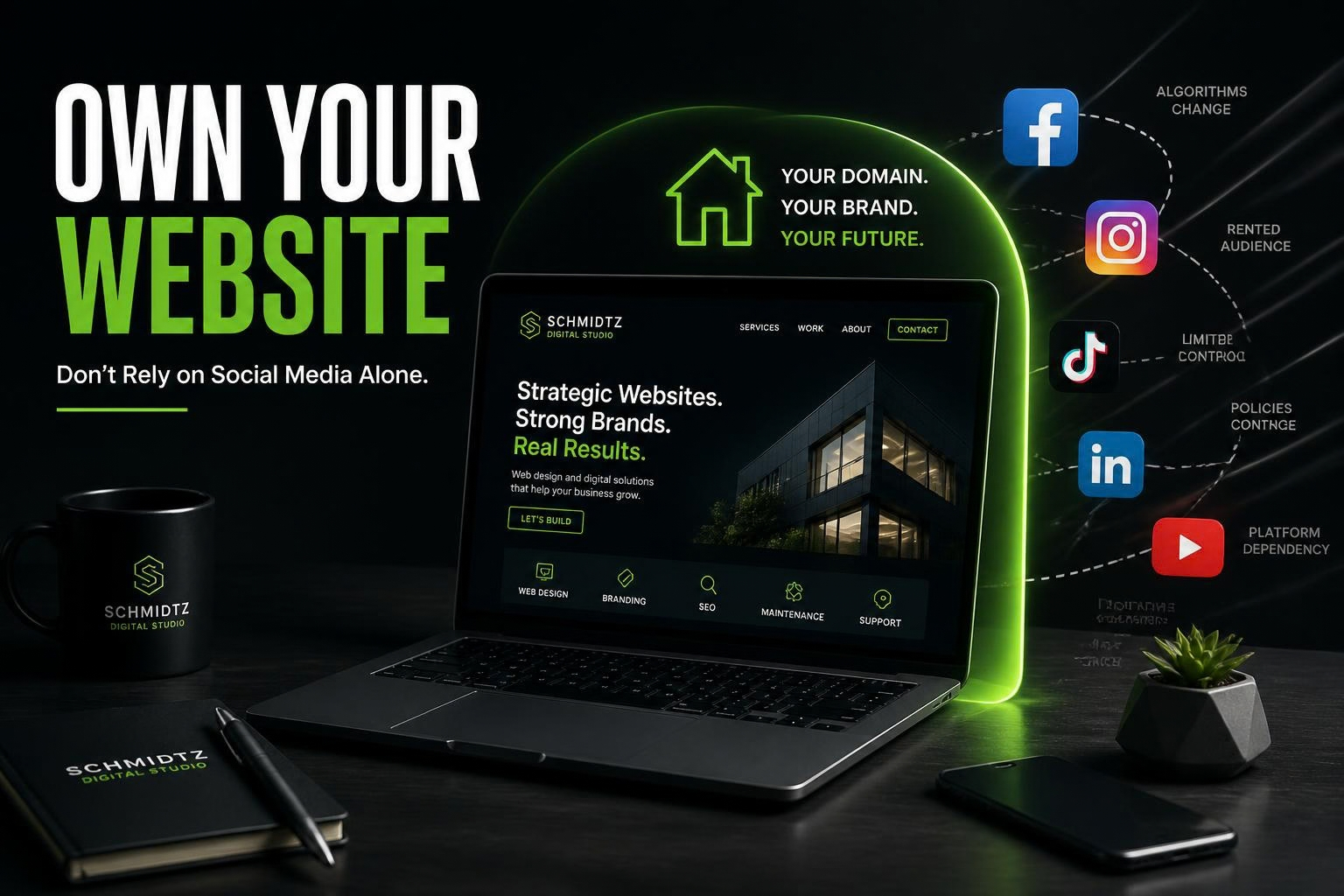 Why Your Business Should Own Its Website Instead of Relying Only on Social Media
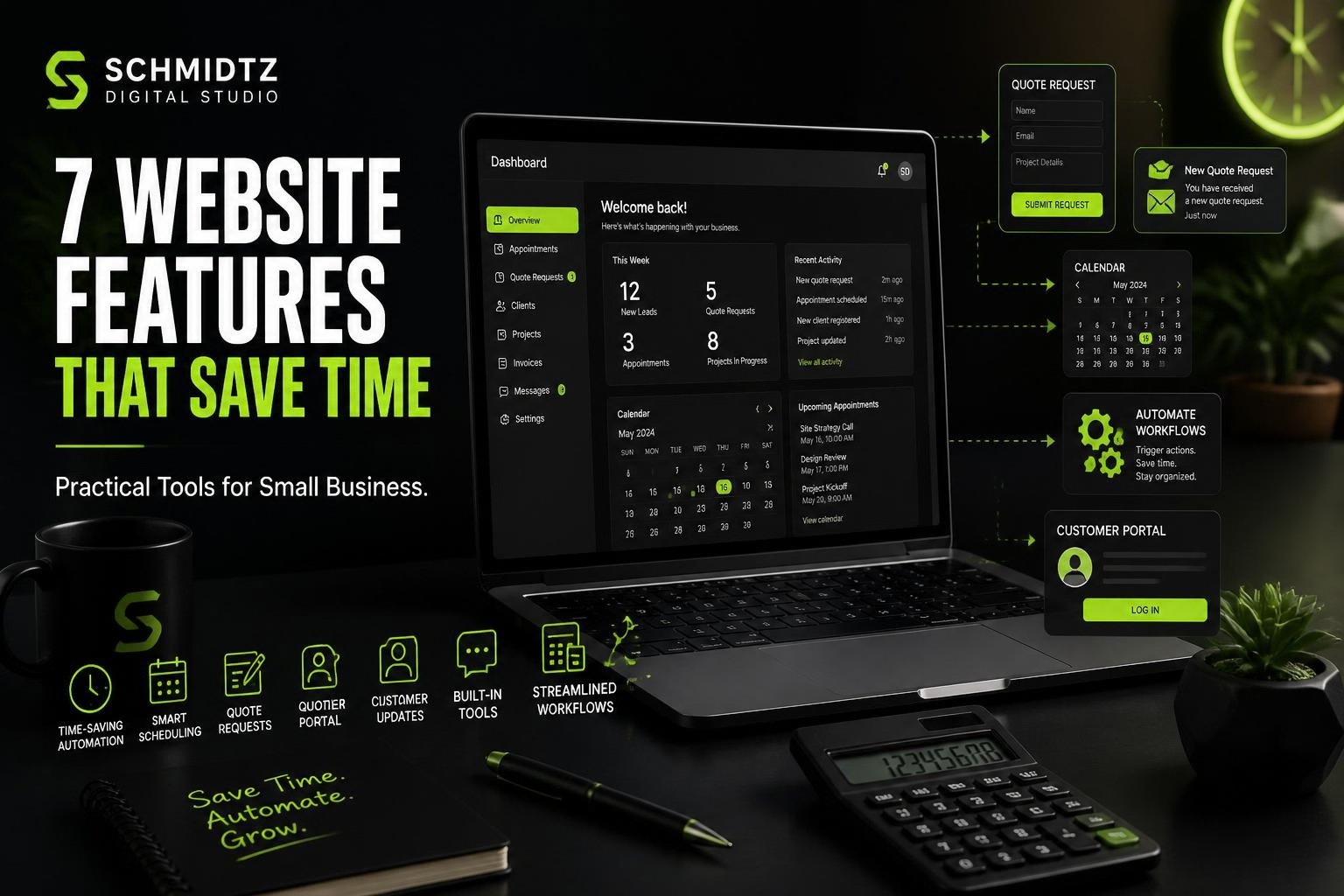 7 Website Features That Can Save a Small Business Time
 How Much Does a Small Business Website Cost in 2026?
Comments