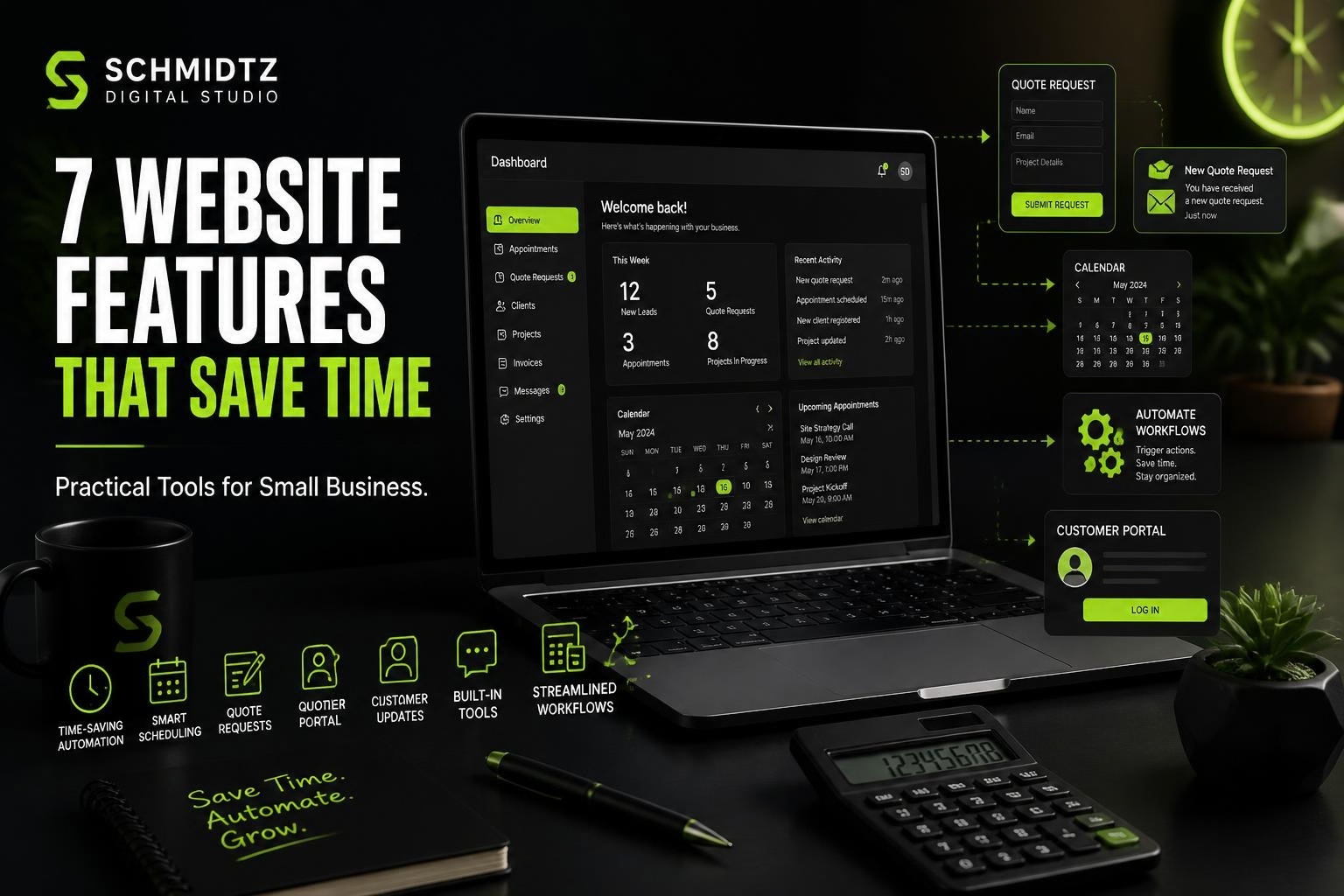
A business website can do more than advertise. The right features can reduce repetitive work, organize incoming requests, and give customers answers without requiring the owner to stop what they are doing every few minutes.
The best features are not the flashiest ones. They are the ones that remove friction from a real business process.
1. Structured quote request forms
A basic contact form is useful, but a structured quote form can save much more time. Instead of receiving “How much?” with no context, you can ask for the information needed to evaluate the job.
Useful fields might include service type, project size, location, target date, budget range, photos, and notes. The customer spends a few extra minutes up front, and the business starts the conversation with better information.
2. Online scheduling and booking
If customers frequently call or message to find an available time, online scheduling can remove a large amount of back-and-forth communication.
The system does not need to expose your entire calendar. It can present only the days, services, or appointment windows you want customers to request.
3. Frequently asked questions
An FAQ is one of the simplest time-saving features on a website. If people regularly ask about service areas, deposits, turnaround times, cancellations, payment methods, or what to expect, answer those questions before they reach the inbox.
Good FAQs also help customers decide whether they are a fit before submitting a request.
4. Customer portals
A private customer area can centralize information that would otherwise be spread across email threads. Depending on the business, customers might view appointments, project status, invoices, documents, receipts, messages, or previous jobs.
Portals are not necessary for every small business, but they can be valuable when customers need ongoing access to information.
5. Automated confirmations and notifications
A simple confirmation email can tell a customer that a request was received and explain what happens next. More advanced systems can notify staff about new leads, appointment changes, form submissions, or payment updates.
Automation should not replace useful human communication. It should handle predictable messages so people can focus on the conversations that actually require judgment.
6. Calculators and self-service tools
A calculator can help customers estimate a payment, markup, discount, project quantity, or other common number before contacting the business. SDS maintains a growing library of free online tools built around this idea.
For some businesses, a custom calculator can also qualify leads. A customer who understands a rough range is more prepared for the next conversation.
7. Internal dashboards and job tracking
A website can also support staff. Internal dashboards can organize customer records, jobs, assignments, notes, messages, receipts, schedules, and status updates.
This is where a website starts becoming a business system. If spreadsheets, text messages, paper notes, and multiple apps are all being used to track the same job, a focused custom web solution may be worth exploring.
Start with the repetitive tasks
Do not add features simply because they sound advanced. Make a list of the tasks you repeat every day or every week. Look for places where information is entered twice, customers ask the same question, or staff have to search several places for the same answer.
Those are the best candidates for improvement.
One useful feature can be more valuable than ten decorative ones
A website that saves the owner thirty minutes every day can create more value than a visually impressive feature that nobody uses. Focus on practical improvements first, then add complexity only when the business has a reason for it.
If you have a workflow you would like to simplify, describe it through our Project Discovery form. That gives us enough context to decide whether a website feature, custom tool, or small application could help.
 How Much Does a Small Business Website Cost in 2026?
Comments