
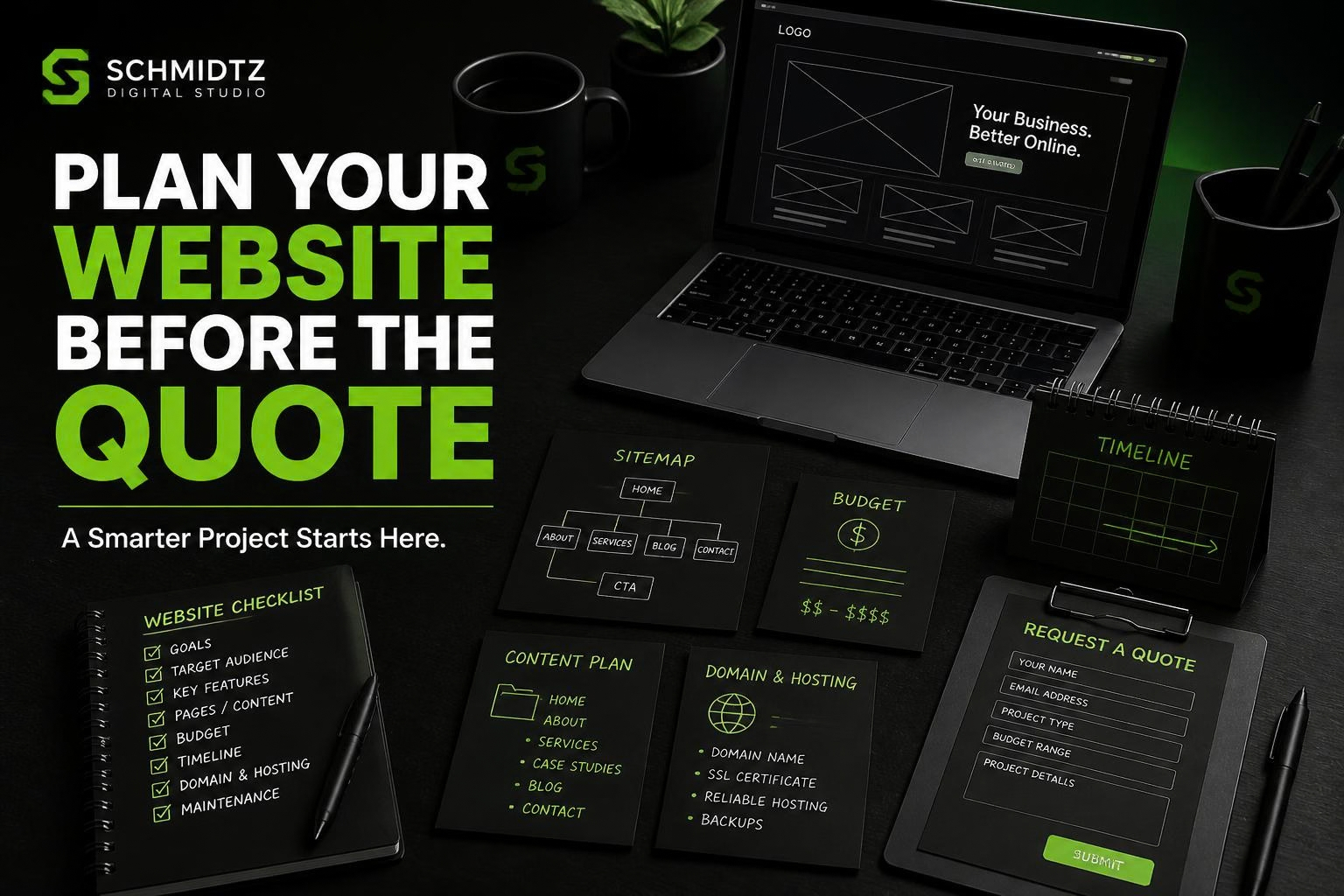
You do not need to know how to code before asking for a website quote. You also do not need to arrive with a perfect technical specification. But a little planning can make the quote more accurate and the first conversation much more useful.
The goal is to describe the business problem clearly enough that a developer can recommend the right type of solution.
1. Decide what the website needs to accomplish
Start with the result, not the design. Do you need more quote requests? A professional home for the business? Online booking? Product sales? A customer portal? A way to reduce repetitive administrative work?
One primary goal gives the project direction.
2. Identify the audience
Who is the website for? A homeowner looking for a local service needs different information than a wholesale buyer, job applicant, salon client, gamer, or existing customer.
Knowing the audience helps determine the language, page structure, calls to action, and features.
3. Make a rough page list
You do not need to know the final navigation, but list the information you believe deserves its own page. Common examples include Home, About, Services, Products, Portfolio, FAQ, Blog, and Contact.
Then note any service that has enough detail to justify a separate page.
4. Separate must-have features from nice-to-have features
This is one of the most useful things you can do before requesting a quote. Put features into two columns.
Must have: the project does not solve the problem without these items.
Nice to have: useful additions that can be removed, delayed, or added later if needed.
This gives the developer room to suggest a version that fits the budget without removing the core purpose.
5. Gather examples you like
Reference websites are helpful even when you do not want to copy them. Note what you like: navigation, spacing, colors, product presentation, photography, booking flow, or overall tone.
Also mention what you dislike. That can be just as useful.
6. Check what content is already ready
Do you have a logo? Brand colors? Service descriptions? Product photos? Staff bios? Testimonials? Policies? Contact details?
A project can slow down when development is finished but the content is not. Knowing what exists helps set a realistic timeline.
7. Know your domain and hosting situation
If you already own a domain, know where it is registered. If you already have hosting, know who provides it. You do not need to send passwords during the quote process. The developer simply needs to know what exists.
8. Think about ownership
Ask what you will own when the project is complete. Will you receive source files? Can the site be moved to another host? Are there ongoing platform fees? Is a third-party account required?
These questions are especially important when comparing a hosted site builder with an independently hosted website or website template.
9. Set a realistic budget range
A budget is not an invitation to spend every dollar. It helps the developer understand what level of solution is realistic.
If the requirements exceed the budget, a good conversation can identify phases, template options, or lower-complexity alternatives.
10. Set a target timeline and explain why it matters
“As soon as possible” is difficult to plan around. If you need the site before a grand opening, event, seasonal rush, product launch, or advertising campaign, share that date and the reason behind it.
11. Think beyond launch
Who will update the site? How often will services or products change? Will you need future features? Does the business expect to add employees, locations, or customer accounts?
You do not need to build future features now, but it helps to know where the business may be going.
12. Write down the questions you want answered
Ask about timeline, revisions, hosting, maintenance, support, mobile testing, SEO basics, source files, backups, and what happens after launch. A quote should help you understand the project, not just show a number.
Use a discovery form to organize the details
SDS built its Project Discovery & Quote Request form around these questions. It asks about project type, features, budget, timeline, current stage, hosting, branding, content readiness, and reference links.
You do not need to have every answer. “Not sure yet” is useful information too.
Better planning creates better quotes
The more clearly the business goal and requirements are understood, the easier it is to compare options and avoid surprises. Start with what the website needs to accomplish, then let the technical solution follow.
 Seasonal Website Design: Add Holiday Style Without Losing Your Brand
 How to Make Your Website Contact Form Easier to Use
 7 Website Mistakes That Could Be Scaring Customers Away
Comments